
Download Codelobster PHP Edition – PHP IDE, web development, code editor, CMS, database integration, version control
Overview
Codelobster PHP Edition is a specialized integrated development environment (IDE) tailored for developers focused on PHP-based web projects. Designed with both beginners and experienced developers in mind, it serves as a comprehensive tool for building, managing, and deploying dynamic web applications. The app’s primary purpose is to streamline the development workflow by offering a unified platform for writing code in multiple languages, managing content management system (CMS) projects, and integrating with databases and version control systems.
It addresses common challenges faced during web development, such as context switching between tools, inefficient code editing, and the complexity of setting up CMS environments. By consolidating essential features into a single interface, Codelobster PHP Edition reduces friction in the development process. It is particularly beneficial for developers working with WordPress, Joomla, or Drupal, as it includes project assistants that simplify local and remote setup.
Target users include freelance developers, web agencies, and students learning PHP and web technologies. While the developer, Codelobster Software, is not detailed in the provided information, the app’s focus on productivity and integration suggests a professional-grade tool. The app plays a significant role in the developer tools ecosystem by offering a lightweight yet powerful alternative to larger IDEs, especially for PHP-centric workflows.
Key Features & Functionality
- Multi-language Support: Codelobster PHP Edition supports PHP, HTML, CSS, and JavaScript, enabling developers to write and edit code in multiple web technologies within one environment. This reduces the need for switching between separate tools, enhancing workflow continuity.
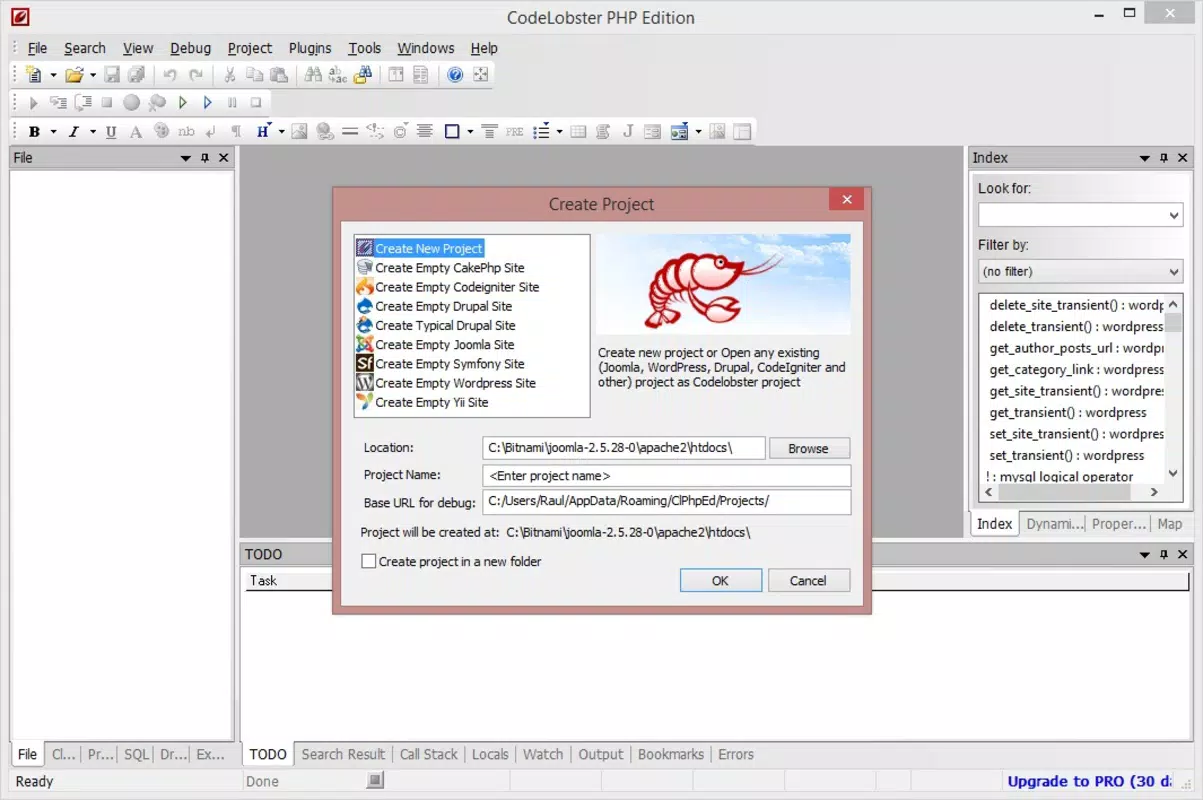
- CMS Project Management: The app includes built-in project assistants for popular content management systems like WordPress, Joomla, and Drupal. Users can create, configure, and manage projects directly from the IDE, facilitating both local development and remote deployment.
- Advanced Code Features: Features such as auto-completion, function argument hints, and syntax highlighting improve coding accuracy and speed. These tools help reduce errors and allow developers to write cleaner, more efficient code.
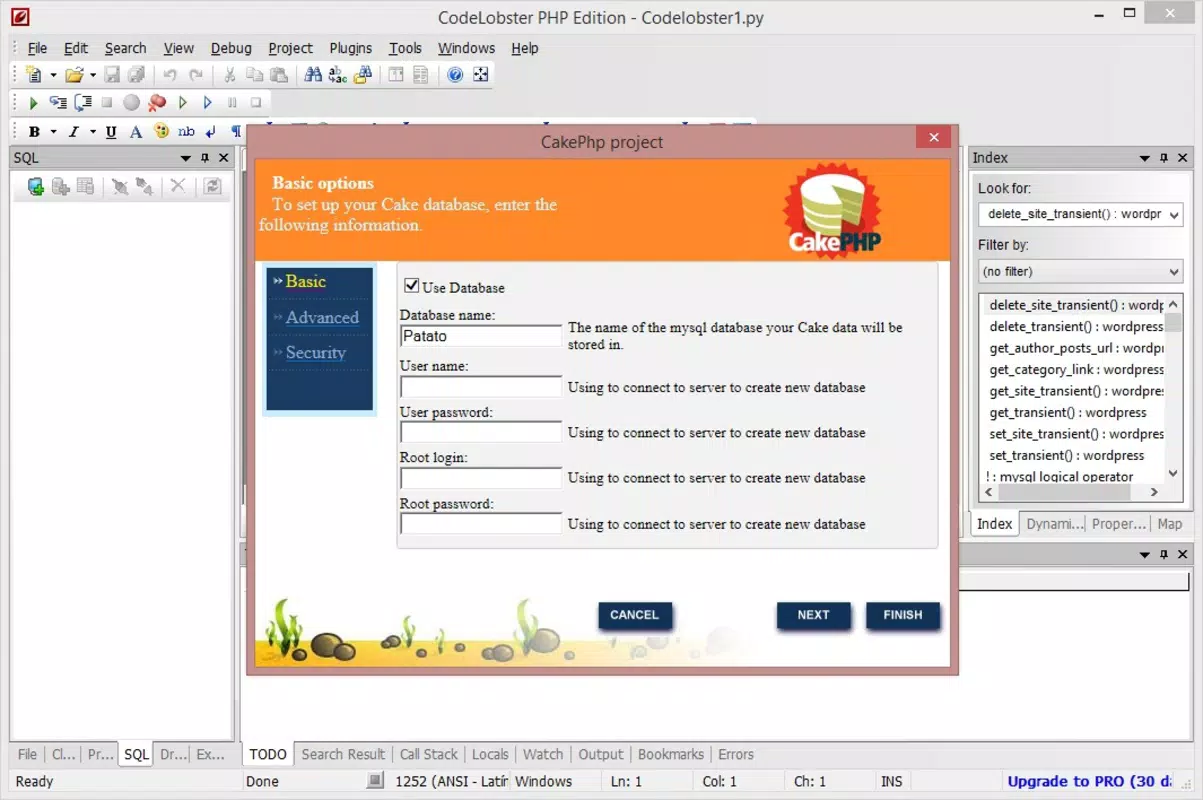
- Database Integration: The professional version enables direct interaction with MySQL databases. Developers can query, edit, and manage data without relying on external database clients, streamlining backend development.
- Version Control System: With the professional edition, users gain access to a built-in version control system. This allows for tracking changes, managing branches, and collaborating with team members on shared projects.
For example, a developer building a WordPress theme can use the project assistant to set up a local environment, write PHP and CSS code with auto-completion, and test database queries—all within the same interface. Similarly, a team working on a Drupal site can use version control to manage code updates and maintain consistency across environments.
Interface, UX & Performance
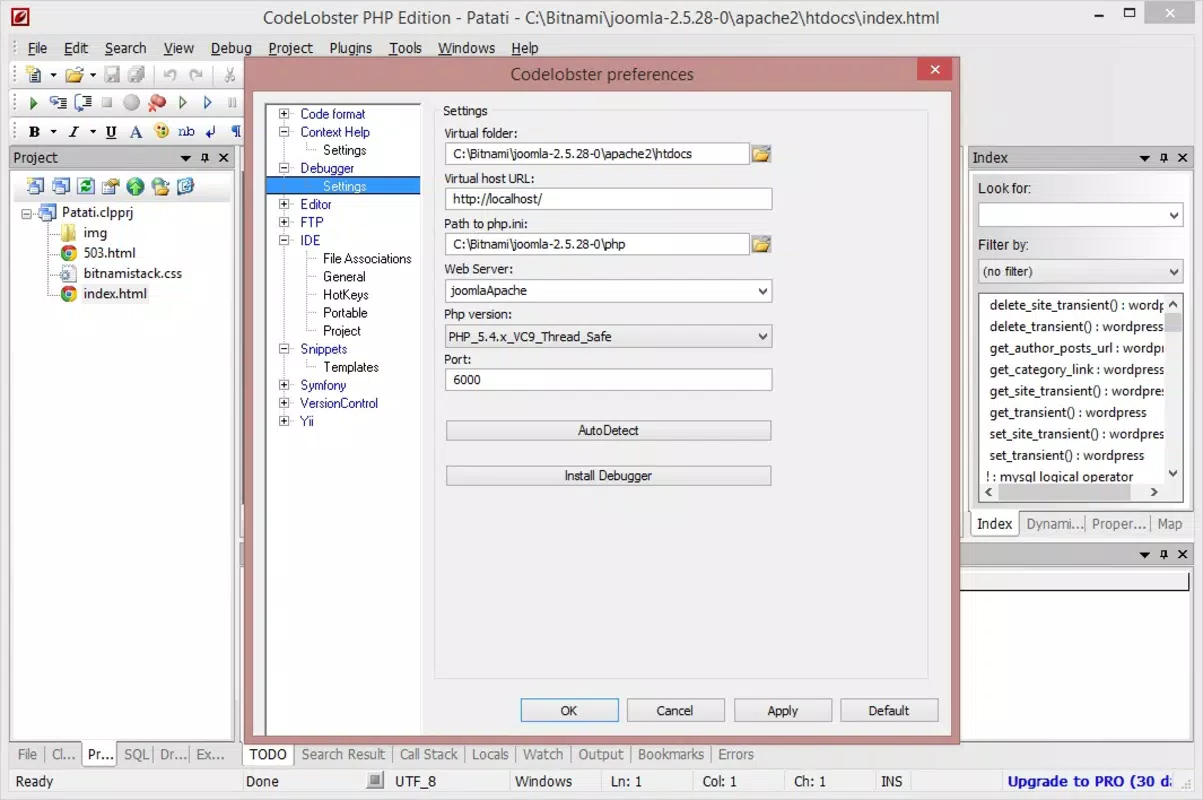
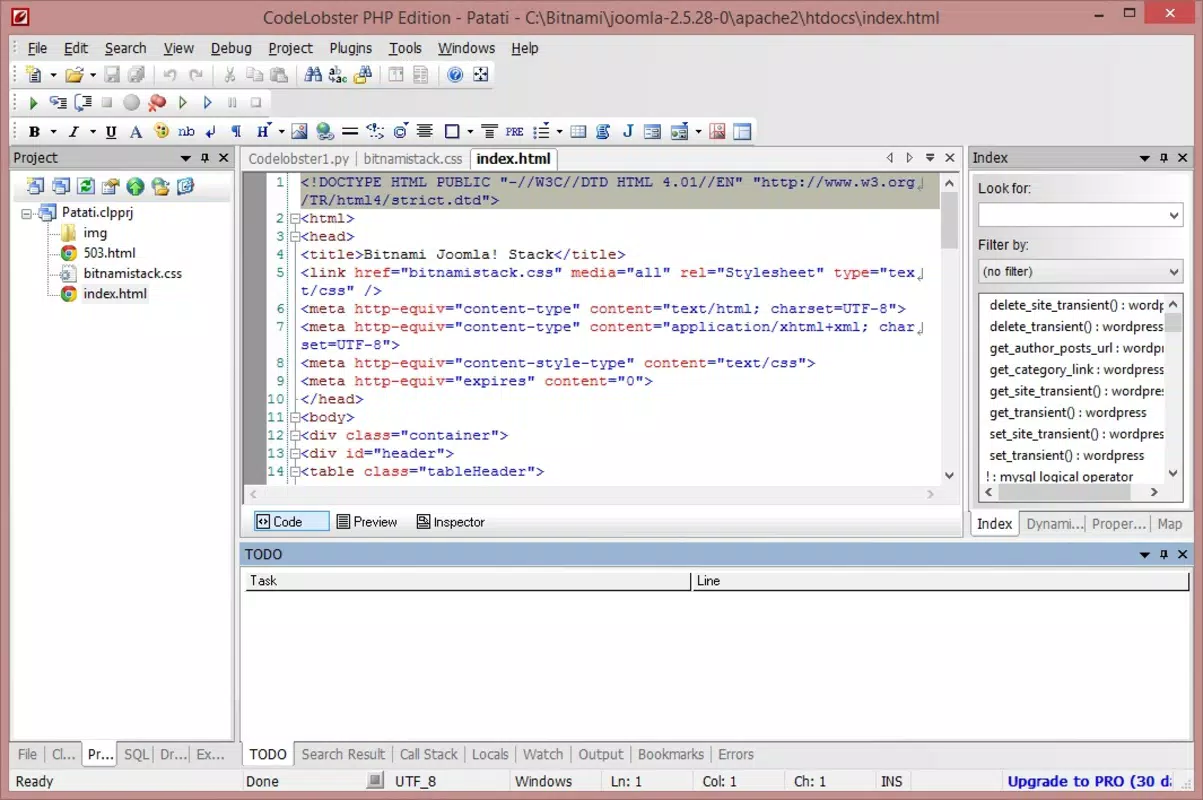
The interface of Codelobster PHP Edition is designed with developer productivity in mind, featuring a clean layout with customizable panels for code editing, file navigation, and project management. The visual style is minimalistic, reducing visual clutter and allowing developers to focus on their code. Navigation is intuitive, with a sidebar for file and project structure, a main editing area, and a status bar displaying real-time information such as line numbers and syntax status.
Users can easily switch between files, manage multiple projects, and access built-in tools without disrupting their workflow. The responsiveness of the interface is consistent across various screen sizes and resolutions, though specific performance benchmarks were not provided. Although the developer did not list formal performance metrics, the app’s lightweight footprint of 42.1 MB suggests efficient resource usage.
Stability appears to be well-maintained, as the app supports complex operations such as database queries and version control integration without reported crashes. However, compatibility with older Windows systems was not specified. Overall, the user experience is optimized for developers seeking a focused, reliable environment for PHP and web development tasks.
Platform Compatibility & Technical Requirements
Codelobster PHP Edition is available exclusively for the Windows platform. The current version is 1.10.0, with a file size of 42.1 MB. This indicates a lightweight installation that should be suitable for most modern Windows systems.
The developer did not specify minimum OS requirements, nor did they list compatibility details for older Windows versions such as Windows 7 or 8.1. Similarly, no information was provided about processor architecture, RAM, or disk space beyond the total file size. For users on newer systems like Windows 10 or 11, the app is expected to function smoothly, but formal compatibility details remain undisclosed.
Given the app’s niche focus and targeted audience, the lack of broader platform support is consistent with its design as a Windows-specific development tool. Developers using macOS or Linux would need to consider alternative IDEs or use virtualization tools.
Pros and Cons
Pros
- Lightweight design with a small file size of 42.1 MB
- Supports multiple web languages including PHP, HTML, CSS, and JavaScript
- Integrated project management for WordPress, Joomla, and Drupal
- Advanced coding features such as auto-completion and function hints
- Direct MySQL database integration in the professional version
- Built-in version control system for team collaboration
Cons
- Exclusive availability for Windows only
- Professional features require a paid license ($29.95)
- Specific system requirements were not disclosed
- Limited platform support compared to cross-platform IDEs
- No information on updates or automatic update mechanisms
FAQ
Is Codelobster PHP Edition available for macOS or Linux?
The app is currently only available for Windows. There is no official support for macOS or Linux at this time.
Can I use Codelobster PHP Edition for free?
While a free version may exist, the provided information indicates a price of $29.95 for the professional edition. No free version details were included.
Does the app support automatic updates?
The developer did not provide information about update mechanisms or automatic update features.
What programming languages does Codelobster support?
Codelobster PHP Edition supports PHP, HTML, CSS, and JavaScript. It is designed for web development and may offer limited support for other languages.
Is database integration secure?
Direct database integration is available in the professional version. Security practices depend on user configuration and network setup, but the app itself does not disclose specific security protocols.
Final Thoughts + CTA
Codelobster PHP Edition stands out as a focused, efficient tool for developers working on PHP-based web projects. Its strength lies in its seamless integration of CMS project management, multi-language support, and advanced coding features—all within a lightweight, Windows-native environment. The inclusion of database connectivity and version control in the professional version enhances its value for both individual developers and small teams.
While the app’s exclusive Windows availability and paid licensing may limit accessibility for some users, its targeted functionality makes it a compelling choice for those committed to PHP and web development on Windows. For developers seeking a streamlined, reliable IDE that reduces tool fragmentation, Codelobster PHP Edition delivers tangible productivity gains.
Download Codelobster PHP Edition now


